
Bandera County Traffic Warrants Explained
A traffic ticket prints the court and the response date. Skip that date and trouble starts. Bandera Justice Court or Bandera Municipal Court can add a failure-to-appear charge and issue a warrant for the missed appearance. Fines and costs left unpaid after judgment can bring a capias pro fine, a later court process. These stages connect, but they are separate records, not one automatic result. In Bandera County, the court on the citation controls the case: city traffic, parking, and ordinance matters go to Bandera Municipal Court, while county citations belong to the JP precinct shown on the paper. Where the stop happened does not decide which court owns the ticket.
Bandera County Traffic Warrant Courts
Bandera County runs four Justice Court precincts, each keeping its own fine-only and traffic files. The citation names the right JP. Inside city limits, Bandera Municipal Court handles traffic, parking, ordinance, and other Class C cases. Its public warrant page is contact-only. No roster or name-search field appears on the Bandera County page. A Bandera County payment page links to each JP's online service, but the court must first supply the case number and amount due. The city's Tyler route handles pleas and payments. It is not a public warrant search. Check with the Bandera County court first. Online payment may be barred in warrant status. For a city citation, the Bandera Municipal Warrant page lists court contacts and the city's process. The official Bandera warrant page gives the court contact route rather than a search screen.
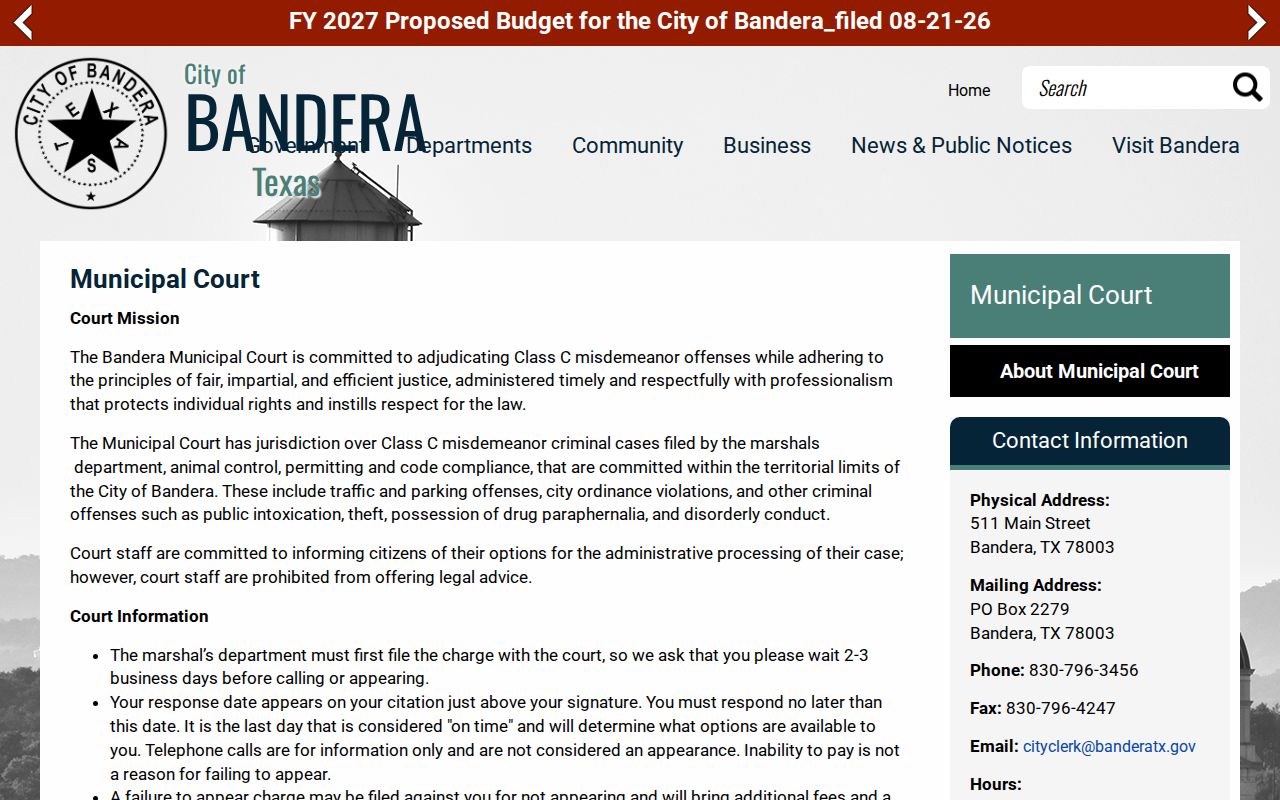
The official court page explains the city case route and response date.
Checking for a Bandera County Traffic Warrant
Work from the citation number and court name instead of guessing at a payment page. Bandera County's official materials show payment links and case contacts, not a public traffic-warrant name search. The Municipal Court says its phone line is for information only. It is not an appearance. Ask the clerk whether you must come in, pay, or request a hearing.
- Read the response date and issuing court on the citation.
- For a JP case, call the printed precinct and ask for the case number and amount due.
- For a city case, contact Municipal Court and ask whether a charge has been filed.
- If the status is unclear, request a clerk confirmation before paying or appearing.
Bandera County Traffic Warrant Filing Delay
The city asks for two to three business days after the Marshal files a charge before anyone calls or appears at Municipal Court. That gap covers only the filing reaching the court. The citation's response date stays put. A phone call yields information. It is not an appearance. For a JP citation in Bandera County, check the precinct listed on the paper. Ask that court. The payment page says the court must supply the case number and exact amount before an online payment can go through. No public warrant-number format, traffic-result field list, or partial-name query rule is published for Bandera County. The Justice Court traffic guidance page describes response and payment options.
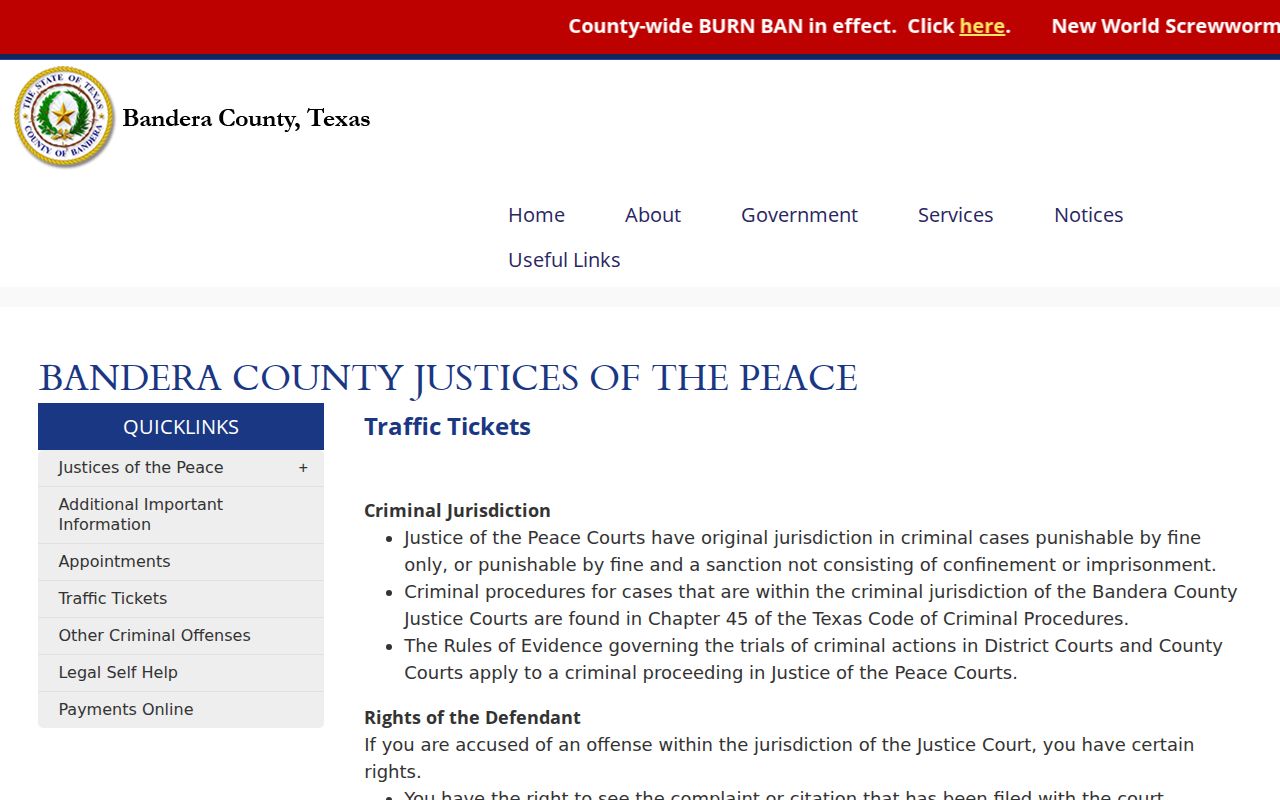
Keep the court named on the citation with its deadline and case number.
Bandera County Traffic Warrant Record Fields
Bandera County's public pages show no sample traffic-warrant result. No field labels appear there either. No local case-number pattern is published. A citation and case number still help the clerk find the file. Ask which court issued process, what stage the case is in, and whether the record shows an FTA, judgment, capias pro fine, or recall.
| Citation reference | Use the number printed on your citation; no local format is published. |
|---|---|
| Charge | Ask the court to identify the offense and case stage. |
| Issuing court | Bandera Municipal Court or the JP precinct listed on the ticket. |
| Amount or bond | Confirm the current amount and payment or bond options with the court. |
| Status | Ask whether the warrant or capias was issued, served, or recalled. |
Bandera County JP Traffic Contacts
Each Bandera County JP precinct keeps its own phone and online payment link. Precinct 1 lists 830-796-3812, Precinct 2 lists 830-751-3535, Precinct 3 lists 830-589-7758, and Precinct 4 lists 830-796-3593. Ask the court for the case number and total first. The county site offers no name-based warrant search. Ordinary fine payments follow methods the court accepts. Credit cards work only for ordinary fines. They cannot cover cash bonds, appeal bonds, or mailed payments. Juvenile cases have separate payment limits. Those limits apply to online or mail payment as well. If a fine is not affordable, ask about a payment plan, community service, a hardship waiver, or another court option. The Bandera County payment page lists the four official precinct links.
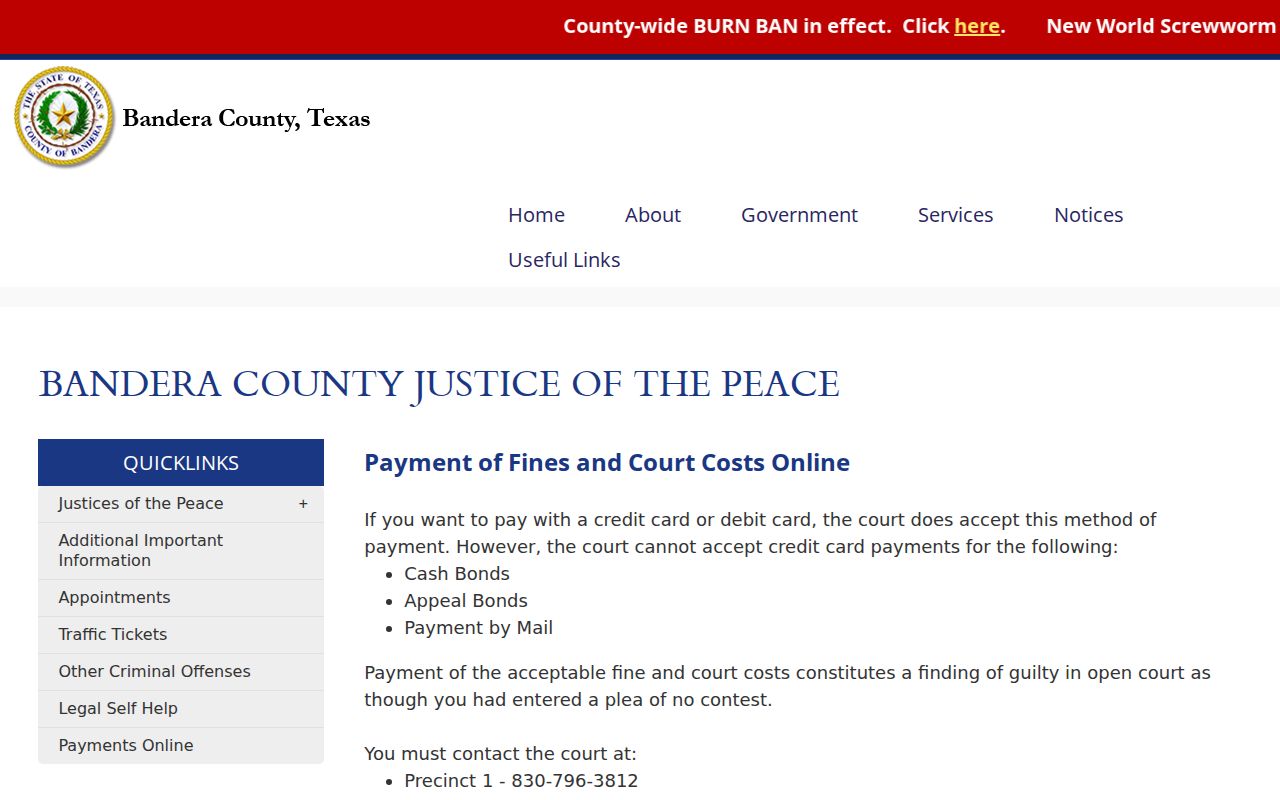
The court must provide the case number and amount before online payment.
How to Pay or Lift a Traffic Warrant
Ask the court first whether payment is allowed in the case's current status. In a Justice Court, paying an acceptable fine can count as a guilty or no-contest plea. Contesting changes the math. Ask about a hearing or bond first. The city court lists cash, check, money order, credit card, and online plea or payment options. A vendor convenience fee applies.
- Call the issuing court to confirm the current case and warrant status.
- Ask what payment, hearing, bond, hardship, or appearance option applies.
- Complete the court's required step and keep the receipt or signed order.
- Ask when the court will report any FTA/FTP clearance to DPS.
Warning: A payment screen does not prove a warrant was recalled; the issuing judge or court must confirm the process status.
Bandera County Traffic Warrant Payments
Payment pages are not warrant searches. The JP payment page lists one link per precinct and expects you to bring the case number and amount due, so it cannot check a Bandera County warrant by name. Paying an acceptable fine resolves the citation as a guilty or no-contest disposition, and a Bandera County judge can still recall the warrant afterward. The Municipal Court in the city handles pleas and payments through Tyler, and the vendor posts a convenience-fee notice. The city's indigent form offers a hearing when you cannot pay and states that a warrant stays active until a judge orders its recall. Ask the clerk whether payment alone is allowed once process has issued. The city-linked Municipal Court payment service takes a plea or payment; it is not a public warrant lookup.
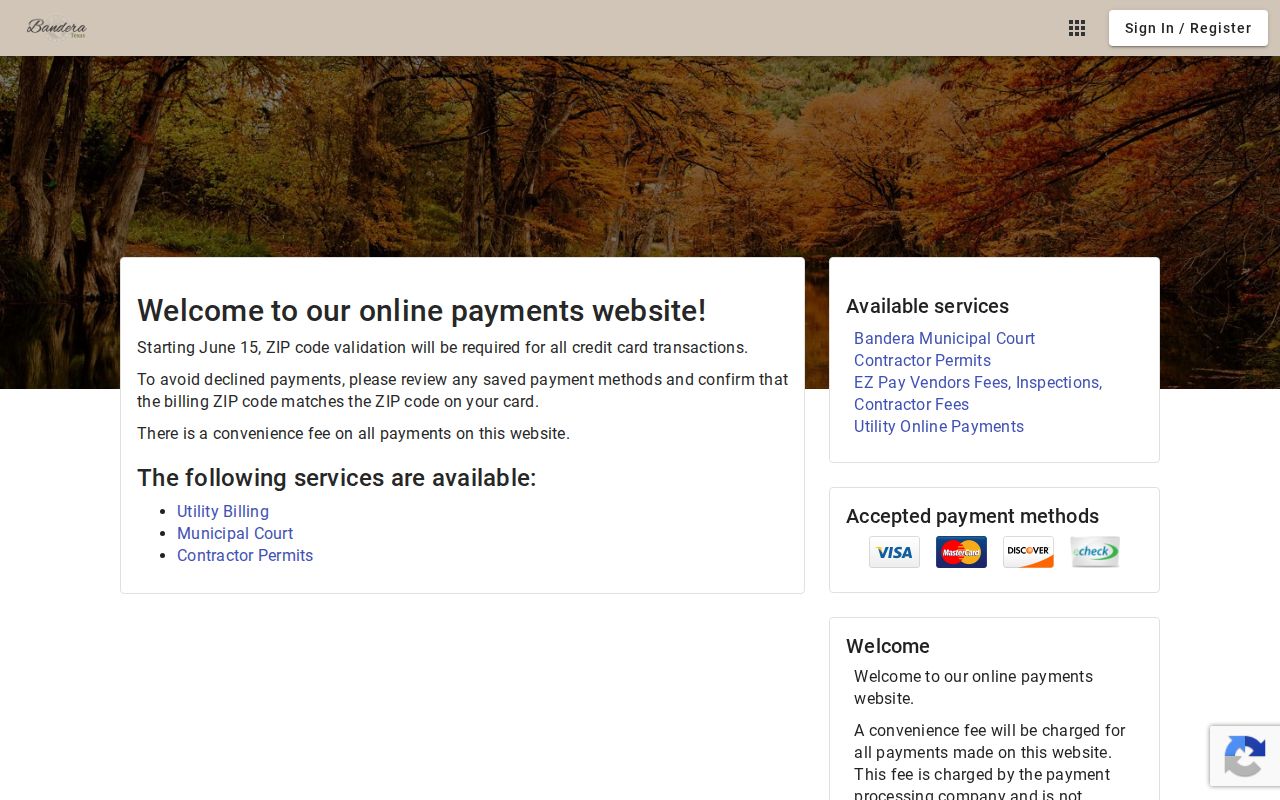
Confirm the current case status with the clerk before relying on a payment confirmation.
Traffic Warrants, FTA, and License Holds
A traffic warrant is court process, plain and simple. In Bandera County, an FTA means you missed a court date or a required response, and the court can add a charge on top of it. Miss paying a judgment and a capias pro fine may follow. DPS's FTA/FTP system tracks reported citation violations that can block license renewal, but it is no statewide warrant lookup and cannot confirm a warrant.
| Mechanism | What Triggers It | What It Does |
|---|---|---|
| Traffic warrant | Court issues process after the case trigger | Requires court or counsel instructions to resolve |
| FTA | Missed a required response or hearing | May add a separate charge or warrant |
| Capias pro fine | Unpaid fine or costs after judgment | Uses post-judgment court process |
| DPS FTA/FTP report | Court reports a citation violation | May affect license renewal; does not confirm a warrant |
Bandera County DPS Warrant Limits
DPS FTA/FTP program details spell out how the license-report route works. DPS says plainly that its license specialists cannot see warrant information. The program only shows reported FTA/FTP citation status. Once your Bandera County case is resolved, the issuing court must send DPS a clearance. Timing varies: DPS materials give three to five business days in one place and up to seven in some status updates. Confirm the wait with the reporting court and with DPS. Remember that a license hold and an open court warrant are different records. You may need to answer the court and then chase the state renewal update. Keep proof of the court action, and if the hold still appears, ask which office sent the report.